Why I Can’t Receive Load in TNT SIM?
Mobile load problems happen a lot in the Philippines, especially if you use TNT SIM or Smart SIM. You might feel frustrated and ask, “Why can’t i receive load my TNT SIM?” or “Why can’t i receive load on my Smart SIM?”
This article will explain the main reasons behind these problems and give you simple steps so you know what to do next but before you should make sure that you have successfully proceeded TNT SIM Registration or not.
Common Reasons in TNT SIM
Many TNT users have problems when trying to load credits or promos on their SIM cards. Some common reasons are:
Network Problems
Sometimes the problem is not with your phone or SIM but with TNT or Smart’s network. System upgrades or temporary outages can stop load purchases or balance checks from working. Even if your payment is successful, the balance may not show right away.
Weak Signal
If your TNT SIM shows weak signal bars, your phone may lose connection while loading. Loading needs a stable network, so weak signal can stop the process. You can move to another area or try a better signal spot to fix this.
Wrong Loading Method or Typos
Sometimes people make mistakes when typing the number, promo code, or using PasaLoad. Even one wrong character can make your load fail.
Temporary Blocks
If you try to load or register many times and fail, the system may temporarily block you. This is to prevent abuse. Waiting an hour and trying again usually works.
Expired SIM or Balance
If your TNT SIM has been inactive for too long, you may not be able to load it until you re-activate or replace it.
SIM Not Registered or Activated
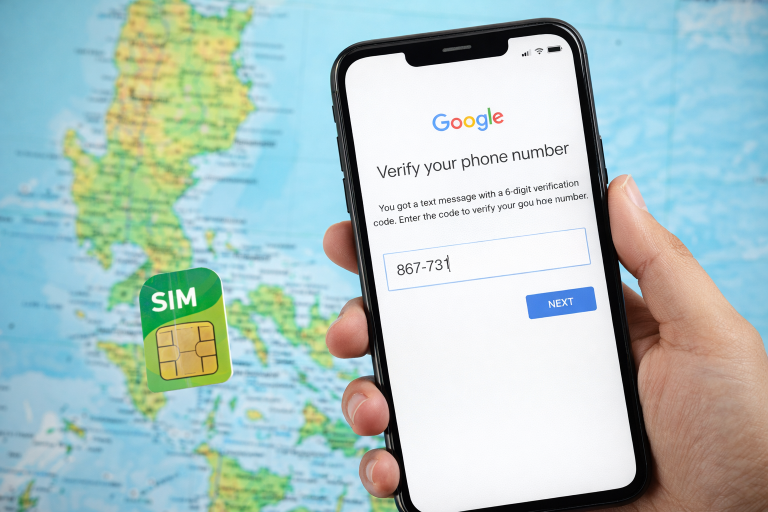
Before you can use TNT services, your SIM must be registered and activated. If your SIM is not registered properly, the network may block you from loading or using other services. It is applicable for all types of sims such as sim registration of tm, globe, smart and dito.
Common Reasons in Smart SIM
Smart SIM cards have similar problems but also some unique ones:
Mobile Billing Not Enabled
Some Smart SIMs cannot use mobile billing, like paying through apps. This can make some loads or promos fail.
App Problems
If you use Smart or GigaLife app and loading fails, the app may have glitches. Clearing the app cache or reinstalling the app can fix this.
System Limits
Some promos have restrictions. For example, a promo may only work on a phone, not on a router or modem. Your Smart SIM may have load, but it does not work in some devices. It can feel like a loading problem even if your balance shows.
Payment Problems
If you load through apps like GCash, sometimes the transaction fails even if your bank shows payment. This happens when the app and Smart system do not match.
Practical Steps to Fix Load Problems
If you are asking “Why I can’t load my TNT SIM?” or “Why I can’t load my Smart SIM?”, here are some things you can try:
1. Check Your Signal
Make sure your phone has good signal bars before loading. Move to a better coverage area if needed.
2. Check SIM Registration
Make sure your SIM is registered and activated. Unregistered or expired SIMs may not allow you to load.
- Try Another Loading Method
If one method fails, try another. You can:
- Load using the Smart or GigaLife app
- Load at a store and dial 123#
- Load through trusted apps like GCash, Shopee, or Lazada
Sometimes one method works even if another does not.
4. Restart Your Phone
Restarting your phone can refresh the network and fix temporary problems.
5. Clear App Cache or Reinstall
If you are using an app to load, clear the cache or reinstall it. This often fixes hidden problems.
6. Wait for Outages
If Smart or TNT has maintenance or network problems, sometimes the only solution is to wait. You can check online for network updates.
Extra Tips
- Update Your Phone Software
Keeping your phone updated ensures it works well with your SIM and network. - Check Device Compatibility
Older phones or locked devices may not support some SIM features. If your SIM never shows signal or load options, it could be your device.
FAQs About TNT and Smart SIM Load Problems
Q1: Why I can’t load my TNT SIM but the balance does not update?
A1: This can happen because of network problems, weak signal, or system delays. Try another loading method or wait a few minutes.
Q2: Why I can’t load my Smart SIM even with enough balance?
A2: Some promos or loads may not work on your SIM or device. For example, some work only on phones and not on modems.
Q3: My TNT SIM shows signal but won’t load. What should I do?
A3: Make sure your SIM is registered and activated. This is a common reason new SIMs cannot be loaded.
Q4: Why does my load fail in apps like GCash?
A4: Sometimes there is a temporary payment problem. Try another payment method or wait and try again.
Q5: Do I need to register my SIM before loading?
A5: Yes. Unregistered or inactive SIMs cannot receive load until you register and activate them.
Conclusion
Understanding “Why can’t i receive load my TNT SIM” or “Why can’t I load my Smart SIM” starts with checking whether the problem is with your phone, SIM, or the network. Most problems are caused by registration issues, temporary network errors, or wrong loading methods. You can usually fix them with simple steps. If nothing works, contact Smart or TNT customer support.